On this page
Patient Access and Outpatient Care
Appointments, Arrival & Registration - Appointment
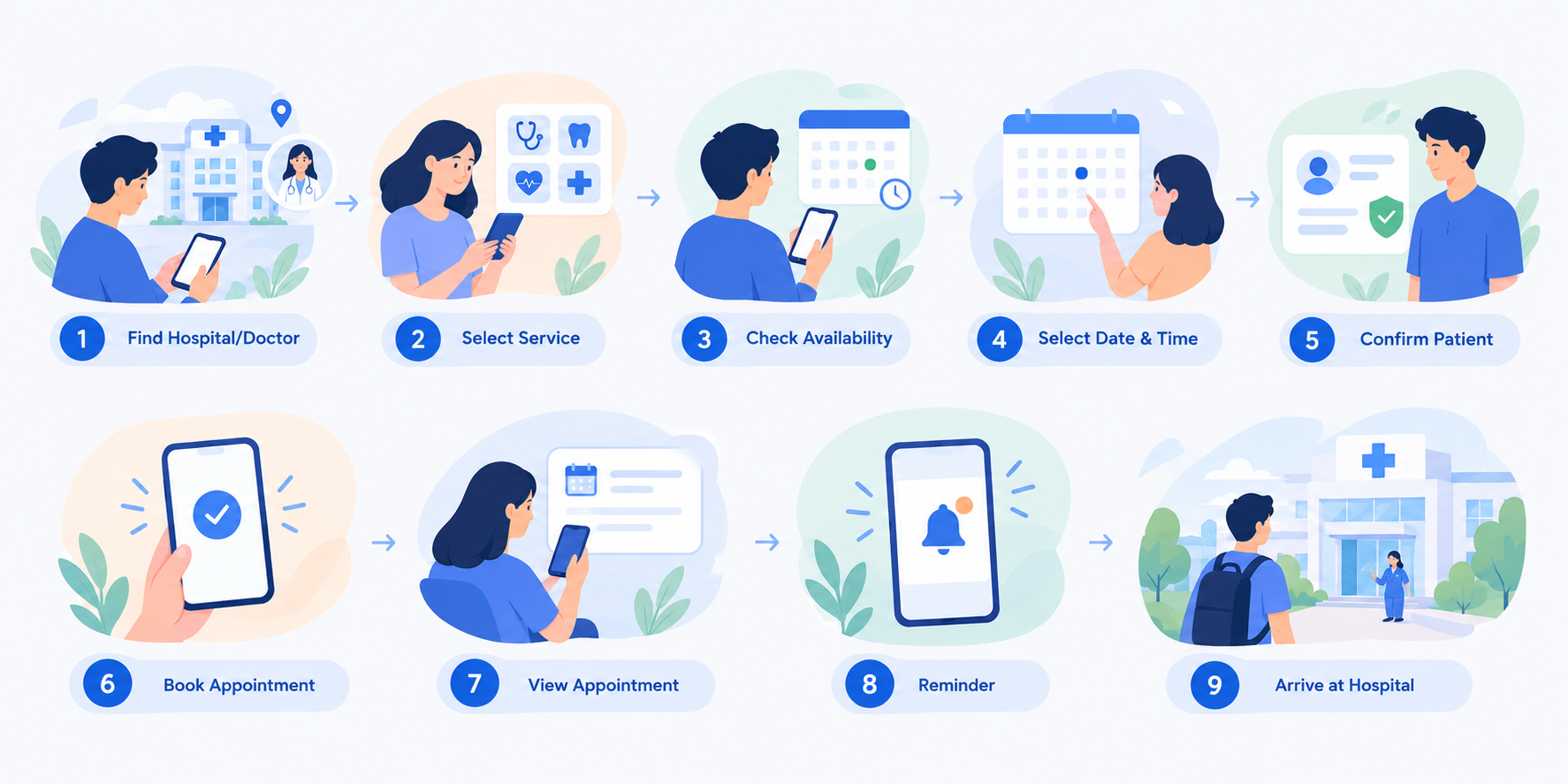
Patients can schedule appointments through the NironCare platform by selecting available healthcare services or doctors. The platform also supports appointment management and reminders. NironCare allows patients to schedule healthcare appointments before visiting the hospital.
Step 1: Find Hospital or Doctor
Patient opens the NironCare App -> searches for a hospital -> selects the required healthcare service or doctor.
Step 2: View Doctor / Service Information
Patient views the available doctor or service information -> checks availability and appointment options.
Step 3: Select Appointment
Patient selects the preferred date and available time -> confirms the selected doctor or healthcare service.
Step 4: Provide Patient Information
Patient selects their own profile or a linked family member -> confirms the required patient information for the appointment.
Step 5: Confirm Appointment
Patient reviews the appointment details -> confirms the booking -> the appointment is created in the system.
Step 6: View Appointment
Patient opens My Appointments -> views the appointment details, including the selected hospital, doctor/service, date, and time.
Step 7: Appointment Reminder
Patient receives or views information about the upcoming appointment -> prepares to visit the hospital at the scheduled time.
Step 8: Arrive at Hospital
Patient arrives at the hospital -> accesses the appointment through the NironCare App -> proceeds to the hospital's check-in or registration process.
Appointments, Arrival & Registration - Registration
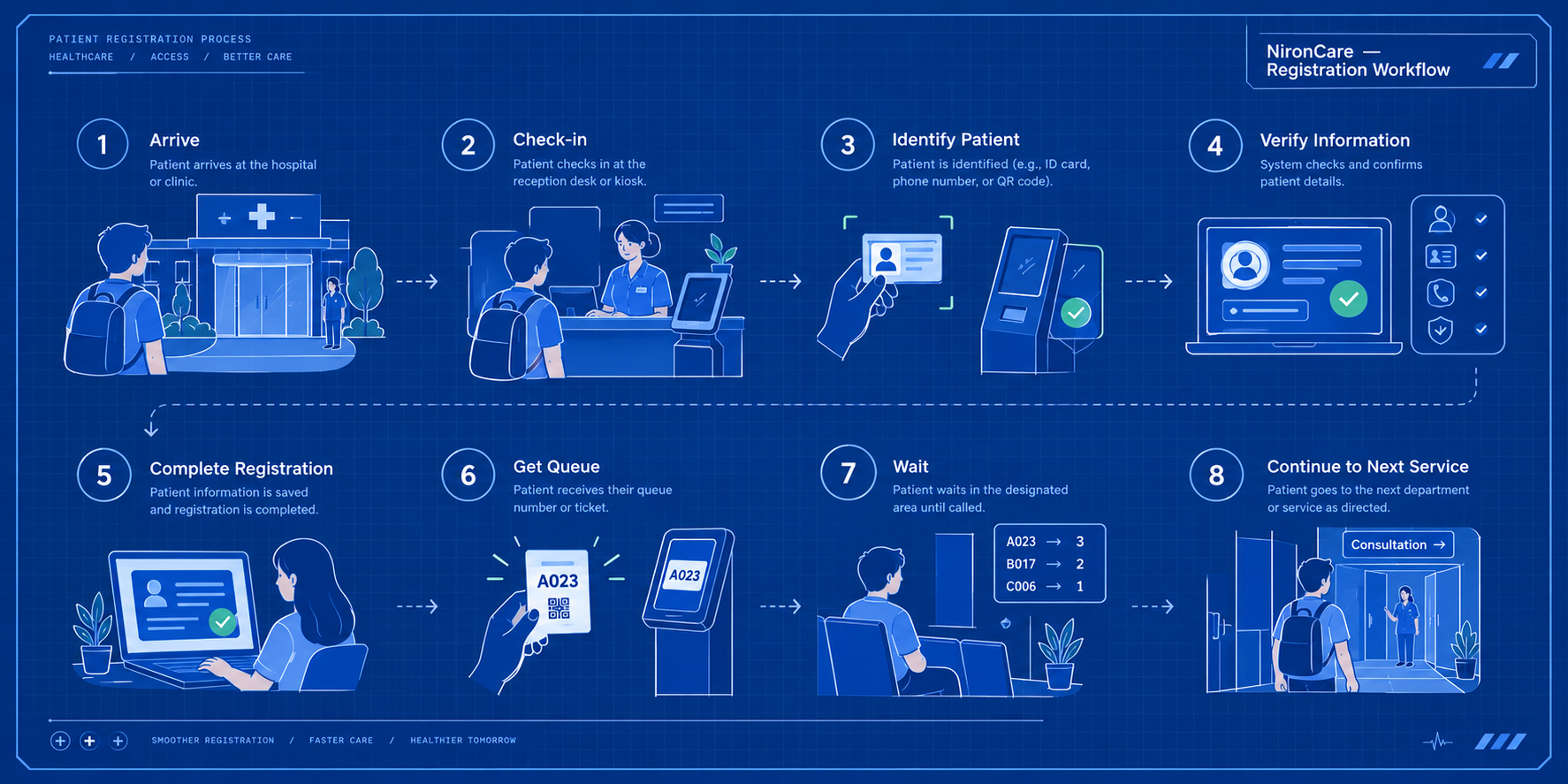
Patient registration is part of the healthcare journey and allows patient information to be associated with healthcare services and records. Exact registration steps should follow the deployed system. Registration connects the patient with the hospital service and creates or confirms the information required for the visit.
Step 1: Patient Arrives
Patient arrives at the hospital -> presents or accesses their appointment information.
Step 2: Check-in
Patient checks in through the available hospital process, such as the NironCare App, kiosk, or staff-assisted registration where supported.
Step 3: Identify Patient
The system or staff identifies the patient -> retrieves the relevant patient information and appointment.
Step 4: Verify Patient Information
Staff verify the patient's information -> confirm that the patient is registered for the correct service or appointment.
Step 5: Complete Registration
Required patient or visit information is completed or updated -> the patient's visit is associated with the appropriate healthcare service.
Step 6: Create / Assign Queue
After registration or check-in, the patient enters the appropriate queue -> the patient waits for the next service step.
Step 7: Continue to Care
The patient is called by the responsible staff -> proceeds to the next step, such as triage or consultation. The exact registration and check-in method should follow the workflow configured in the deployed hospital system.
Outpatient & Consultation Journey - Assessment
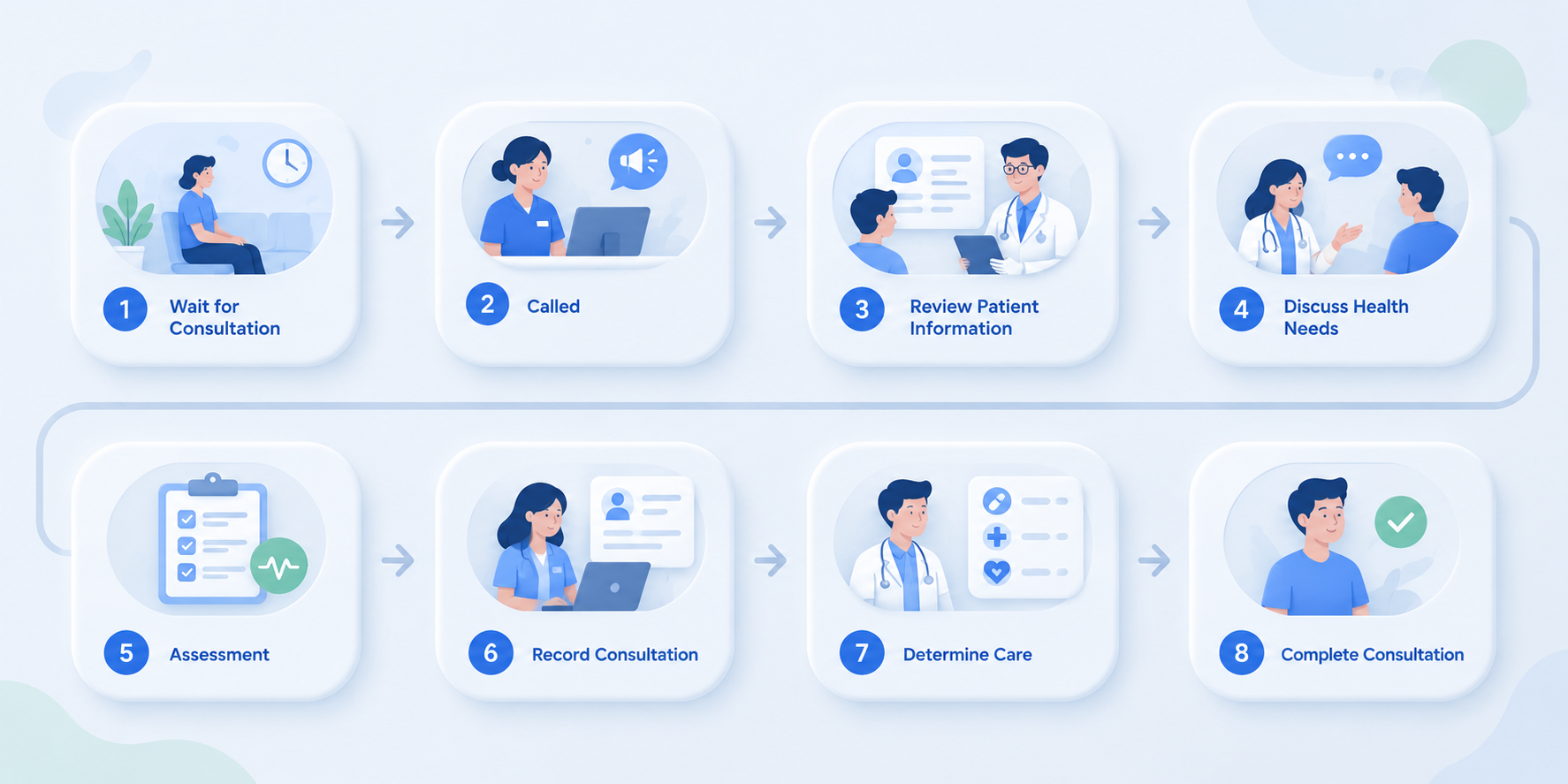
During consultation, healthcare professionals can review patient information and provide clinical care. NironCare supports patient management and digital consultation services. After registration and the required initial steps, the patient proceeds to consultation or another appropriate clinical service.
Step 1: Wait for Consultation
Patient waits in the consultation queue -> the consultation staff or doctor calls the patient.
Step 2: Open Patient Information
Doctor or authorized healthcare staff open the patient's information -> review relevant patient details and available healthcare history.
Step 3: Review Reason for Visit
Healthcare professional reviews the patient's reason for visiting -> discusses the patient's symptoms, concerns, or healthcare needs.
Step 4: Assess Patient
Healthcare professional performs the appropriate assessment -> evaluates the patient's condition based on the consultation.
Step 5: Record Consultation
Relevant consultation information and clinical notes are recorded in the system where supported.
Step 6: Determine Care
Healthcare professional determines the appropriate next step -> may provide treatment advice, prescribe medication, request laboratory/diagnostic services, or recommend follow-up care.
Step 7: Complete Consultation
The consultation is completed -> the patient proceeds to the required next healthcare service.
Outpatient & Consultation Journey - Next steps
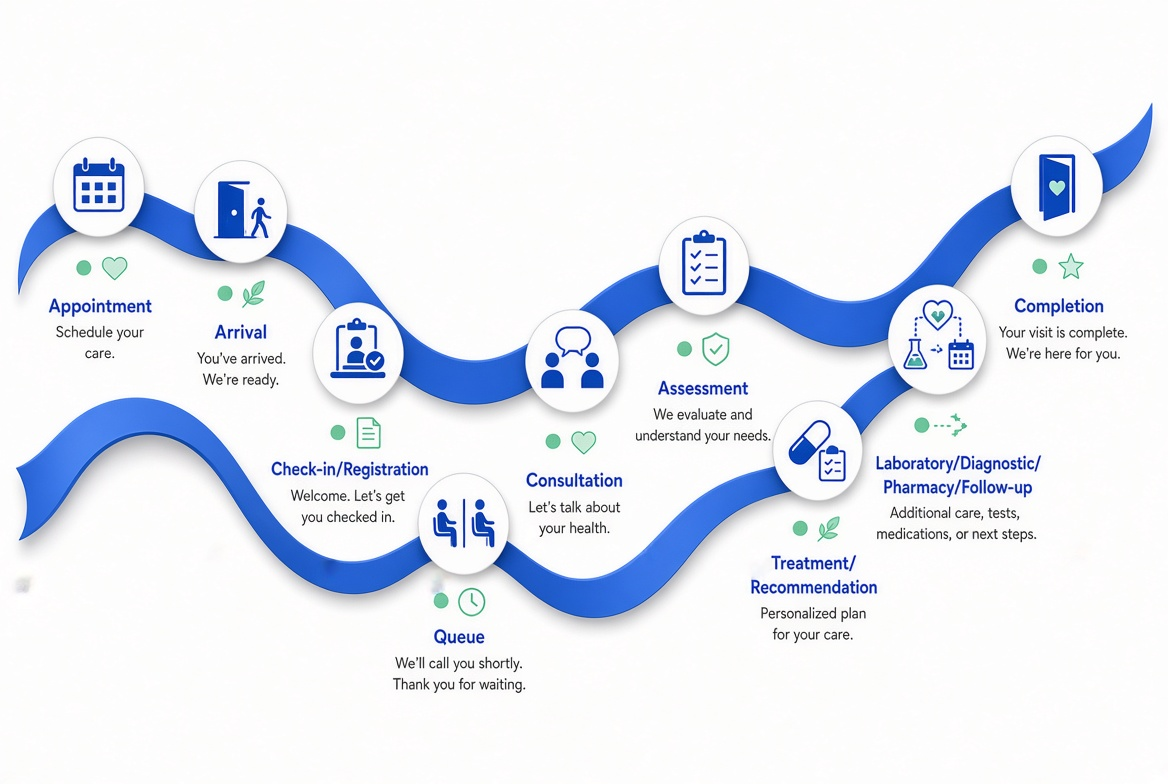
After consultation, patients may continue with follow-up care, prescriptions, laboratory or diagnostic services, additional appointments, or other recommended healthcare services. After consultation, the patient continues with the healthcare services recommended by the healthcare professional.
Step 1: Receive Next-step Recommendation
Doctor completes the consultation -> identifies whether the patient requires medication, laboratory/diagnostic services, follow-up, or other care.
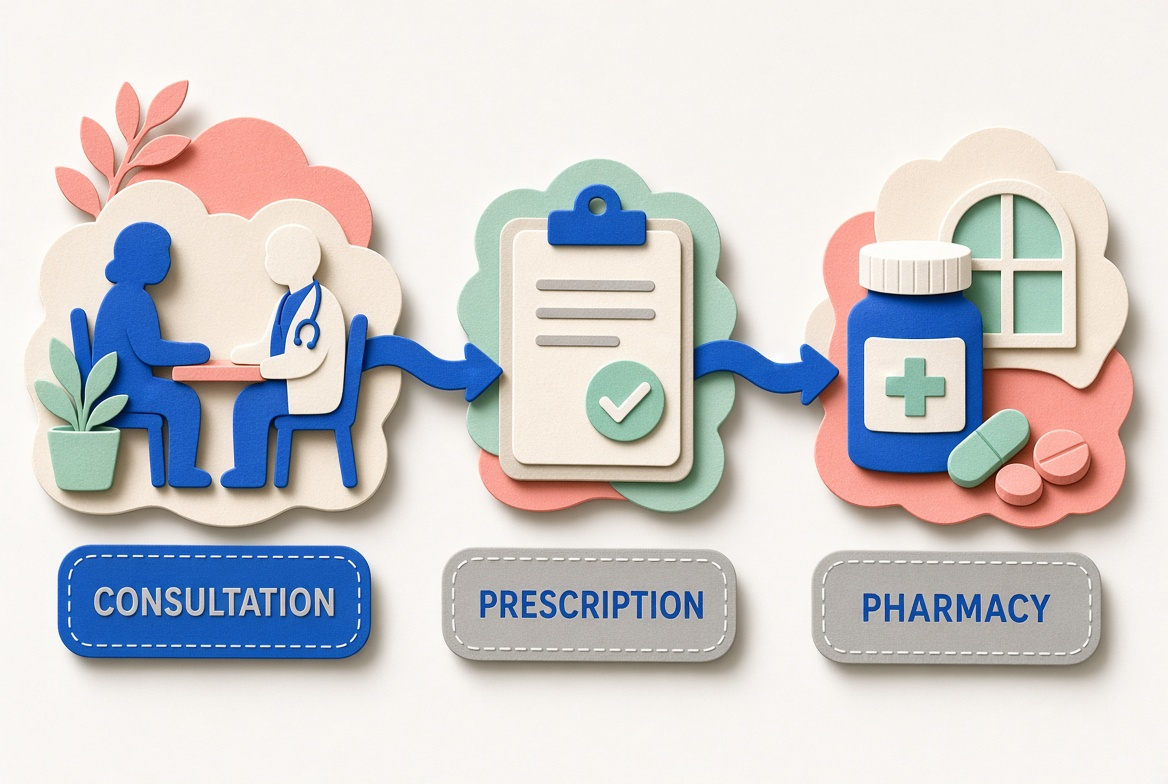
Step 2: Prescription
If medication is required -> doctor creates an e-prescription -> prescription information is made available for the pharmacy process.
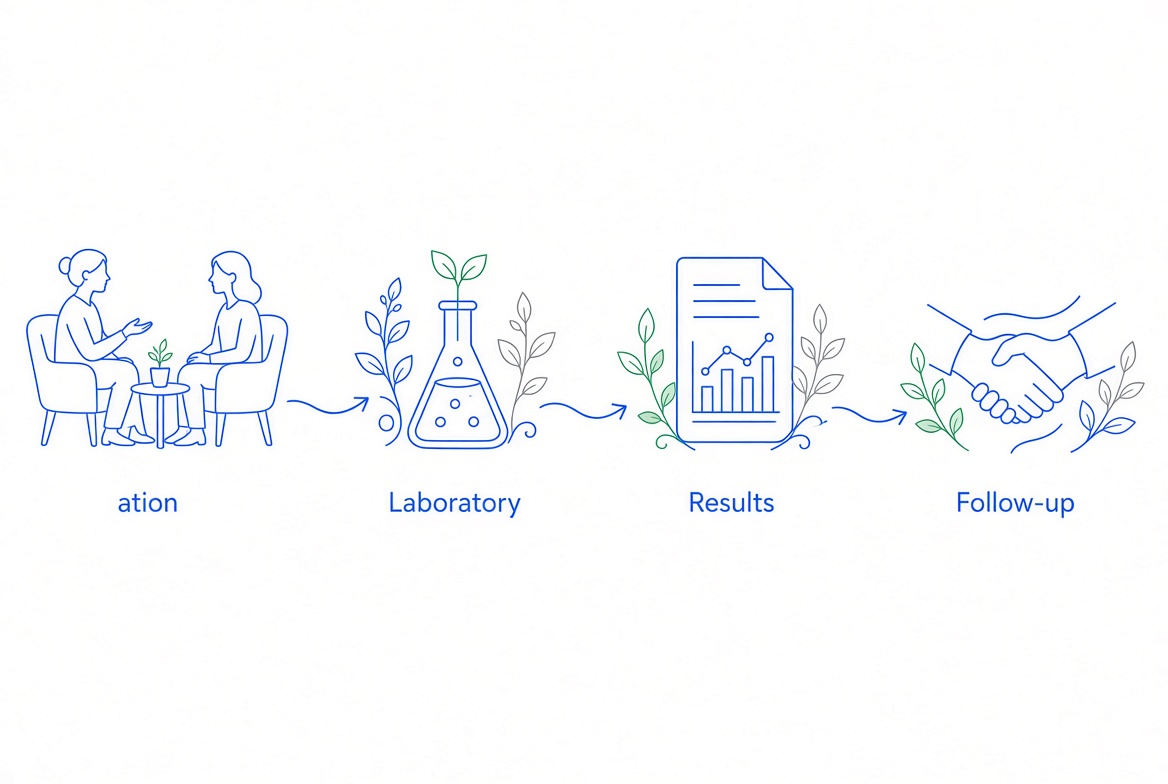
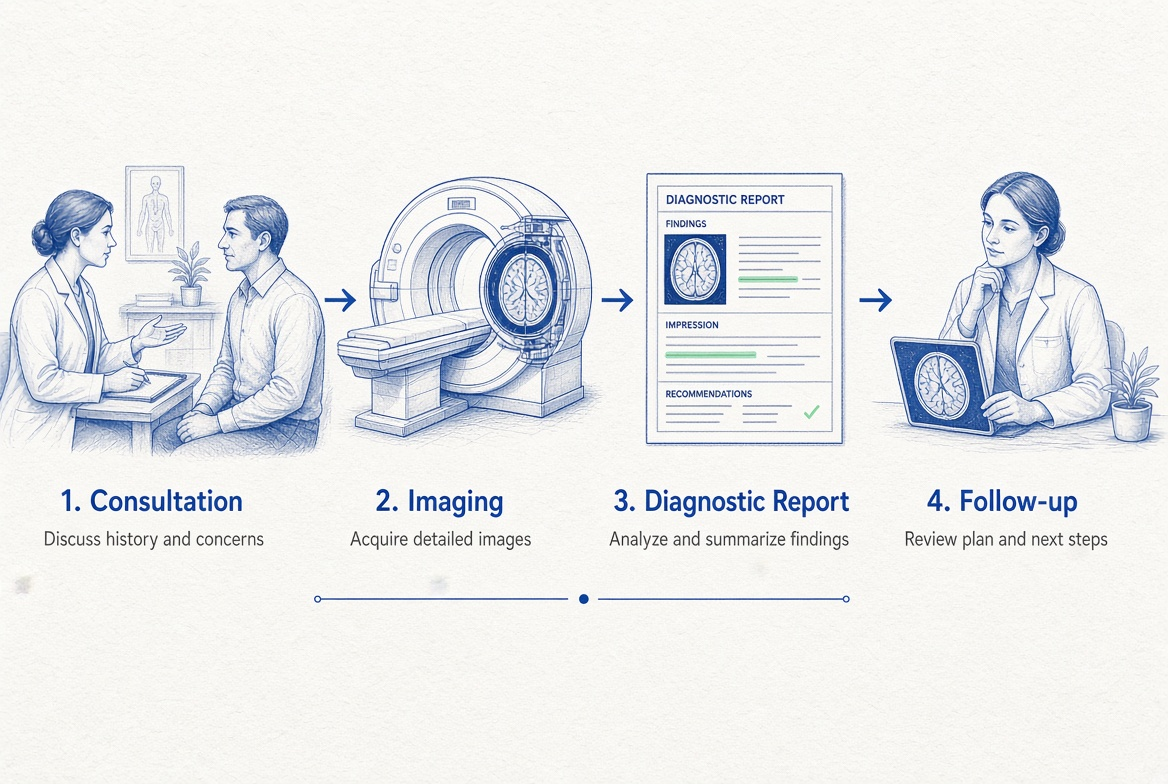
Step 3: Laboratory / Diagnostic Service
If testing is required -> doctor requests the appropriate laboratory or diagnostic service -> patient proceeds to the relevant department -> results are generated and associated with the patient's healthcare information.
Step 4: Follow-up Appointment
If further consultation is required -> patient schedules or receives a follow-up appointment according to the recommended care plan.
Step 5: Continue to Other Services
If another healthcare service is required -> patient is directed or forwarded to the relevant service, such as pharmacy, laboratory, imaging, or another department.
Step 6: Complete the Required Services
Patient completes the required services -> relevant information is recorded in the patient's healthcare journey.
Step 7: Continue / Complete Care
When the required services are completed -> the patient can continue with recommended follow-up care or complete the current outpatient visit.